A free app for Android, by Videon Central.

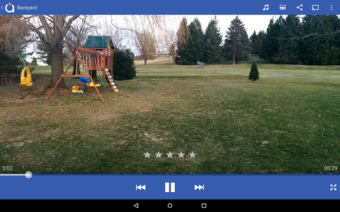
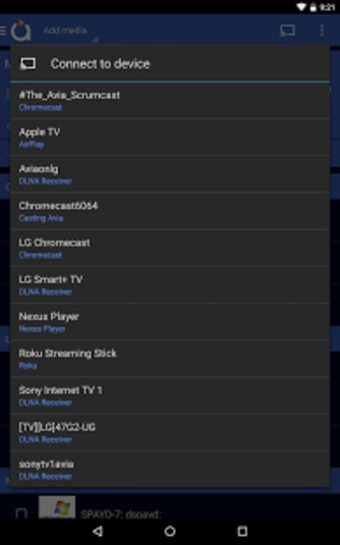
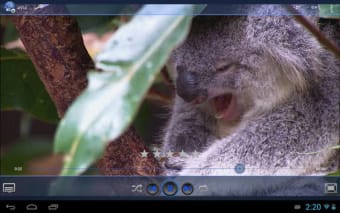
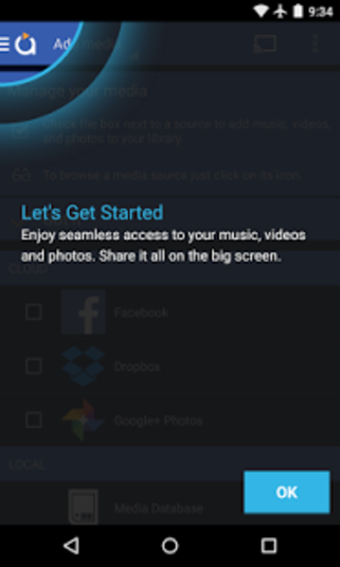
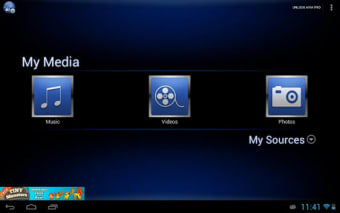
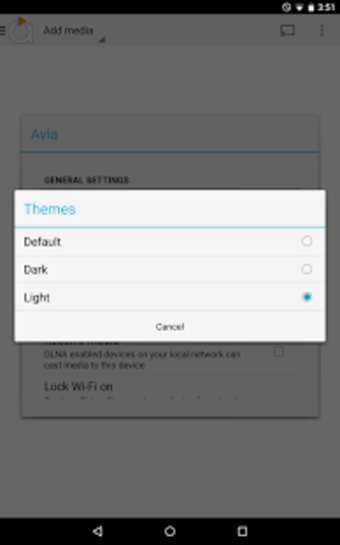
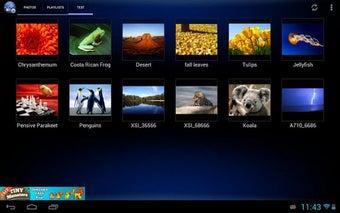
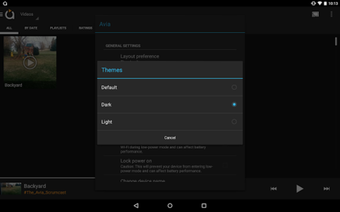
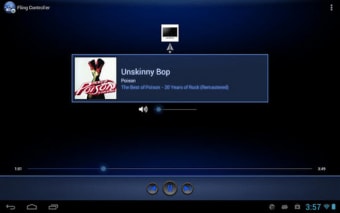
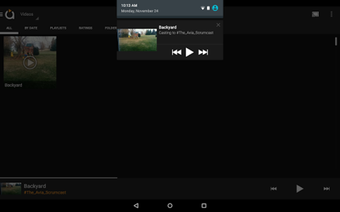
Avia Media Player (Chromecast) is an app that offers seamless casting to various devices - this includes Chromecast, Apple TV, Roku, and WebOS enabled TVs. With a recent update, the app now supports casting to these devices, along with an improved user interface, updated icons, and themes. Users can now also enjoy full playback control from their phone or tablet. Media content - such as photos, videos, and music - can be easily shared and managed across different platforms.

Top Recommended Alternative

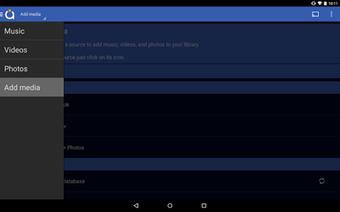
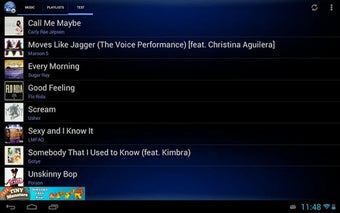
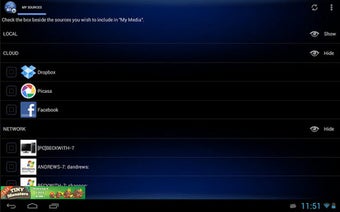
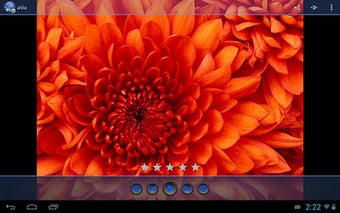
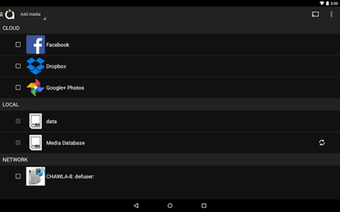
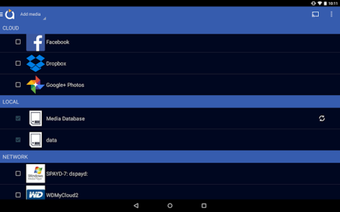
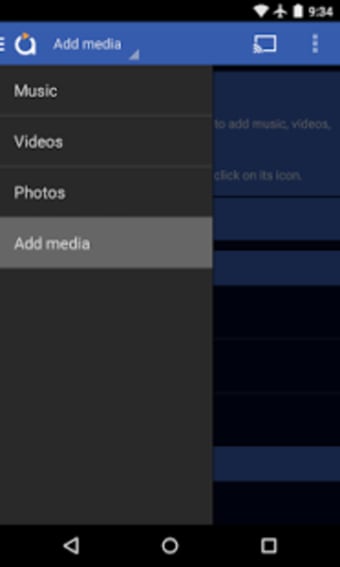
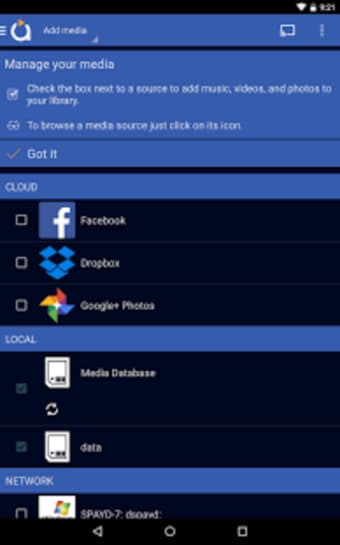
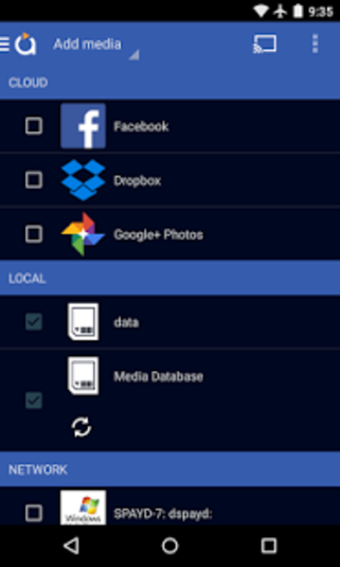
The app provides a user-friendly interface with simpler navigation and smoother responses. Music album artwork and artist images are displayed on the TV.  Avia also supports media playback from various sources - this includes cloud storage, network-attached storage (NAS), social media platforms like Facebook and Google+ Photos, and other Android devices.

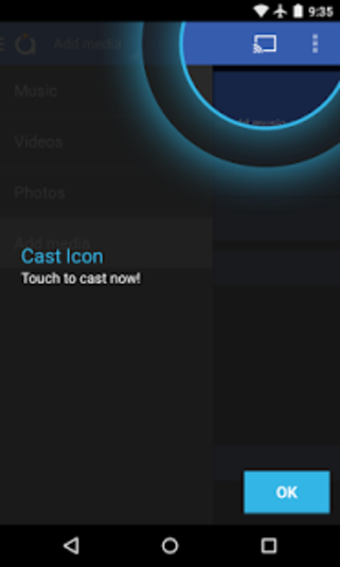
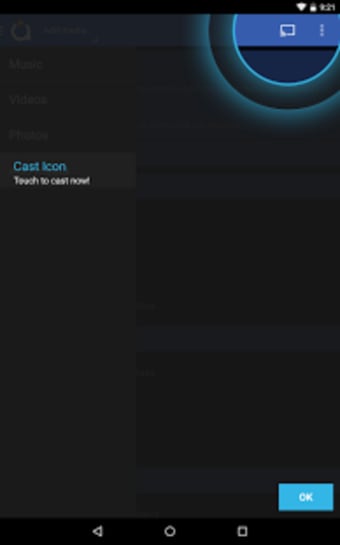
To ensure a smooth casting experience, users are advised to check for compatibility between the casting device and the receiving device's supported codecs. For example, some devices may have limited codec support compared to a home computer. The app also offers helpful troubleshooting suggestions if the Chromecast icon is missing or if users encounter issues related to casting.


 0/24

App specs

  • License

    Free

  • Version

    7.2.33696

  • Latest update

  • Platform

    Android

  • OS

    Android 4.1

  • Language

    English

    Available languages

    • Danish
    • German
    • English
    • Spanish
    • French
    • Japanese
  • Downloads

    8.3K

    Last month's downloads

    • 2
  • Developer

  • Download Options

    Google Play

Program available in other languages


User reviews about aVia Media Player

3.5

1 reviews

Add review

Main reviews for you

  • Anonymous user

    The Avia Player is the only one to work flawlessly on my Lenovo Thinkpad!. I have the original (Android Tegra 3.1) version of the Lenovo Thinkpad Tablet. After being unable to use the resident video player for playing videos that I had shot with my Canon Handycam video camera and searching far and wide for an alternate player that would work with my tablet, I finally ran across the Avia Media Player, which, thus far, is the only one that will play my videos directly from an external SD card, and do so brilliantly and flawlessly and with clear, undistorted audio.The user interface is exceptionally intuitive and well-laid out, and the support page, which I would not have expected at all from a freeware product, is outstanding. In fact, Russ Shanahan, whom I contacted after initially experiencing some chopppiness in the video and distortion in the audio, responded quickly and fully to my e-mail inquiry. On his advice, I compressed the video on a Windows-based computer so that the tablet could handle it. I used Windows Movie Maker to accomplish this and reduced the video volume to about 50% of the original size. That did the trick and the Avia player now provides the same quality video and audio on my tablet that I get on a Windows-based system. I am very happy to have found it and wouldn't use anything else now. Thanks, Russ! Pros: Clear, crisp video; undistorted audio.User-friendly interface.Excellent support site and staff. Cons: Can't think of a thing; I'm totally happy!


More

You may also like

Alternatives to aVia Media Player

Explore Apps

Latest articles

Laws concerning the use of this software vary from country to country. We do not encourage or condone the use of this program if it is in violation of these laws.
Softonic

Is aVia Media Player safe?

Score result: Clean

This app is available directly from the official Google Play Store. Since the official app stores maintain their own rigorous security standards and review processes, we rely on their trusted distribution platform rather than performing additiona scans. You can download with confidence knowing this comes straight from the verified source.

  • Virus free
  • Spyware free
  • Malware free